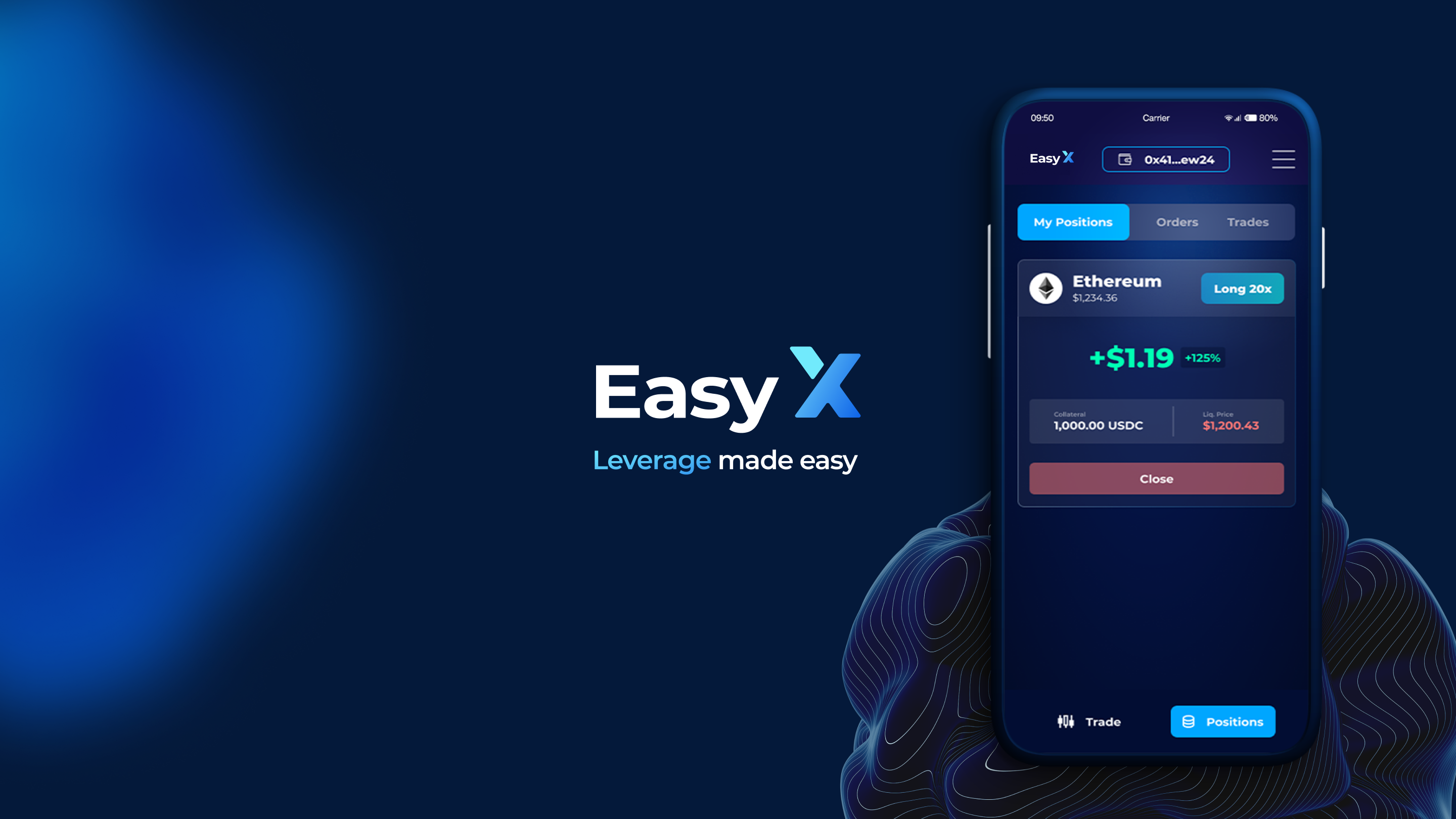
# 🎰 | EasyX Guide
In this guide, we'll show you how easy to make full use of the capabilities of our platform. Don't worry, it's all crazy simple and EASY. Otherwise, we wouldn't be doing justice to our name. Our goal is to ensure that you completely understand our platform so you can learn how to maximize its potential - **and your profits**.
We'll start with a thorough explanation of platform navigation. From there we'll delve into the particulars of trading on the platform. We'll show you how to **initiate trades**, effectively **handle your positions**, and understand the diverse range of available **order types**.
---
# Agent Instructions: Querying This Documentation
If you need additional information that is not directly available in this page, you can query the documentation dynamically by asking a question.
Perform an HTTP GET request on the current page URL with the `ask` query parameter:
```
GET https://docs.easyx.trade/easyx/start-trading/or-easyx-guide.md?ask=
```
The question should be specific, self-contained, and written in natural language.
The response will contain a direct answer to the question and relevant excerpts and sources from the documentation.
Use this mechanism when the answer is not explicitly present in the current page, you need clarification or additional context, or you want to retrieve related documentation sections.